
auraVision Studio
Change exactly the spot your client is talking about.
You mark an area in the design and say what should go there. Shortly after, the new version sits next to the old one, and the rest of the garden stays as it was.
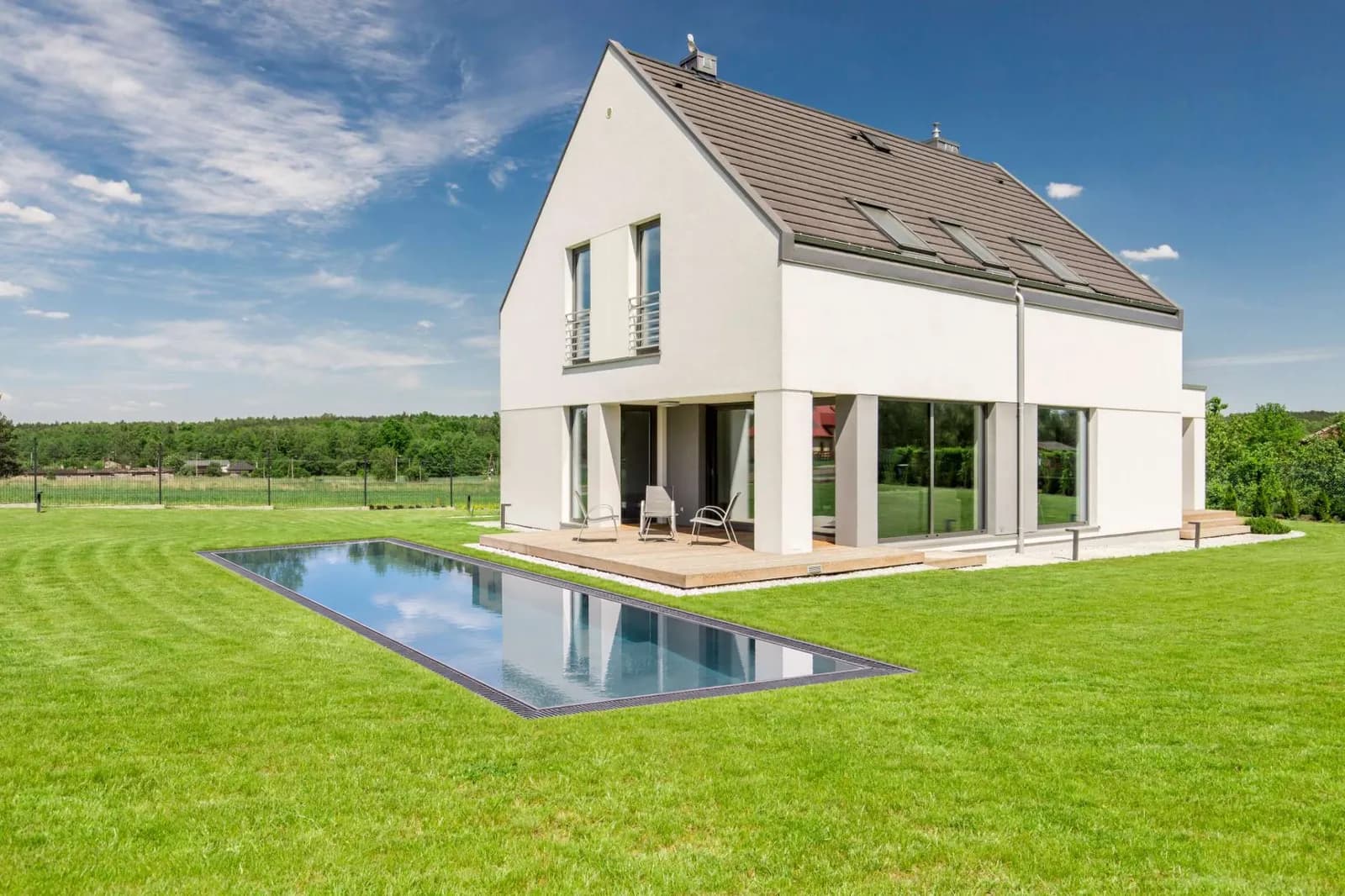
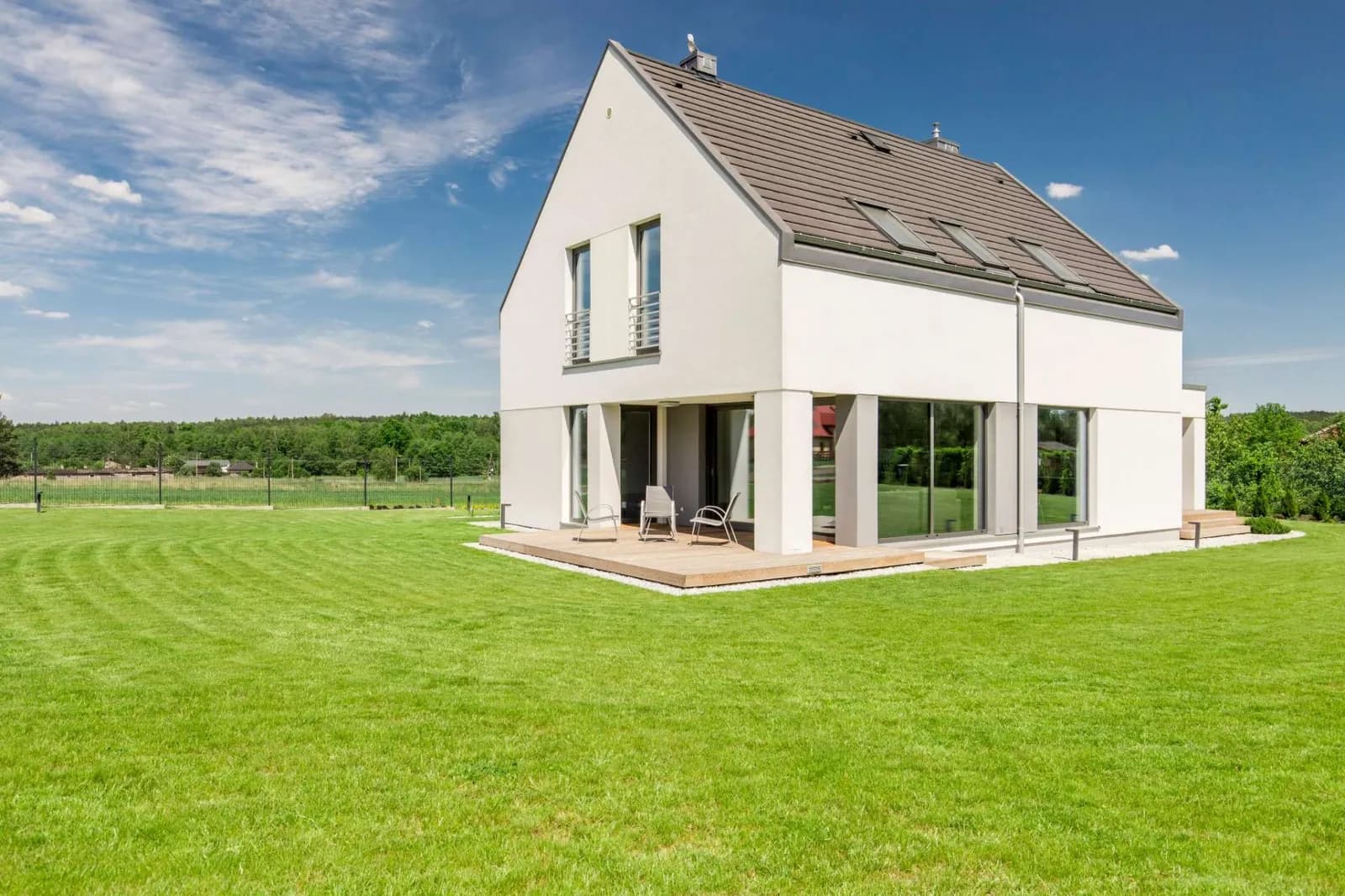
Add: from Persian ironwood to pool
Tree, perennials and grasses, terrace, wall, furniture or pool: you choose the tile, mark the spot and set the size or style. For a pool you choose the type, lining, edge and entry, from an overflow pool to a swimming pond.
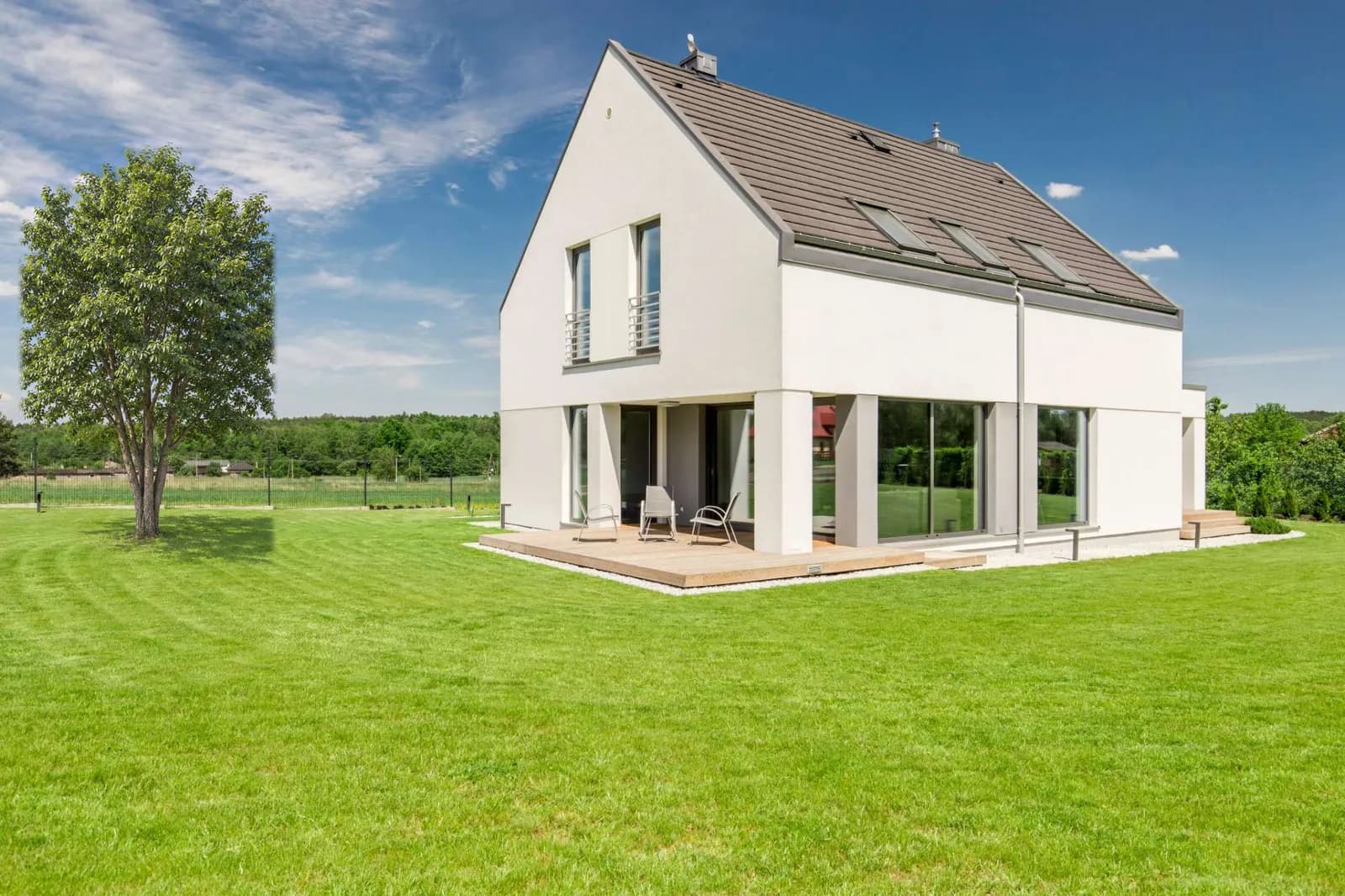
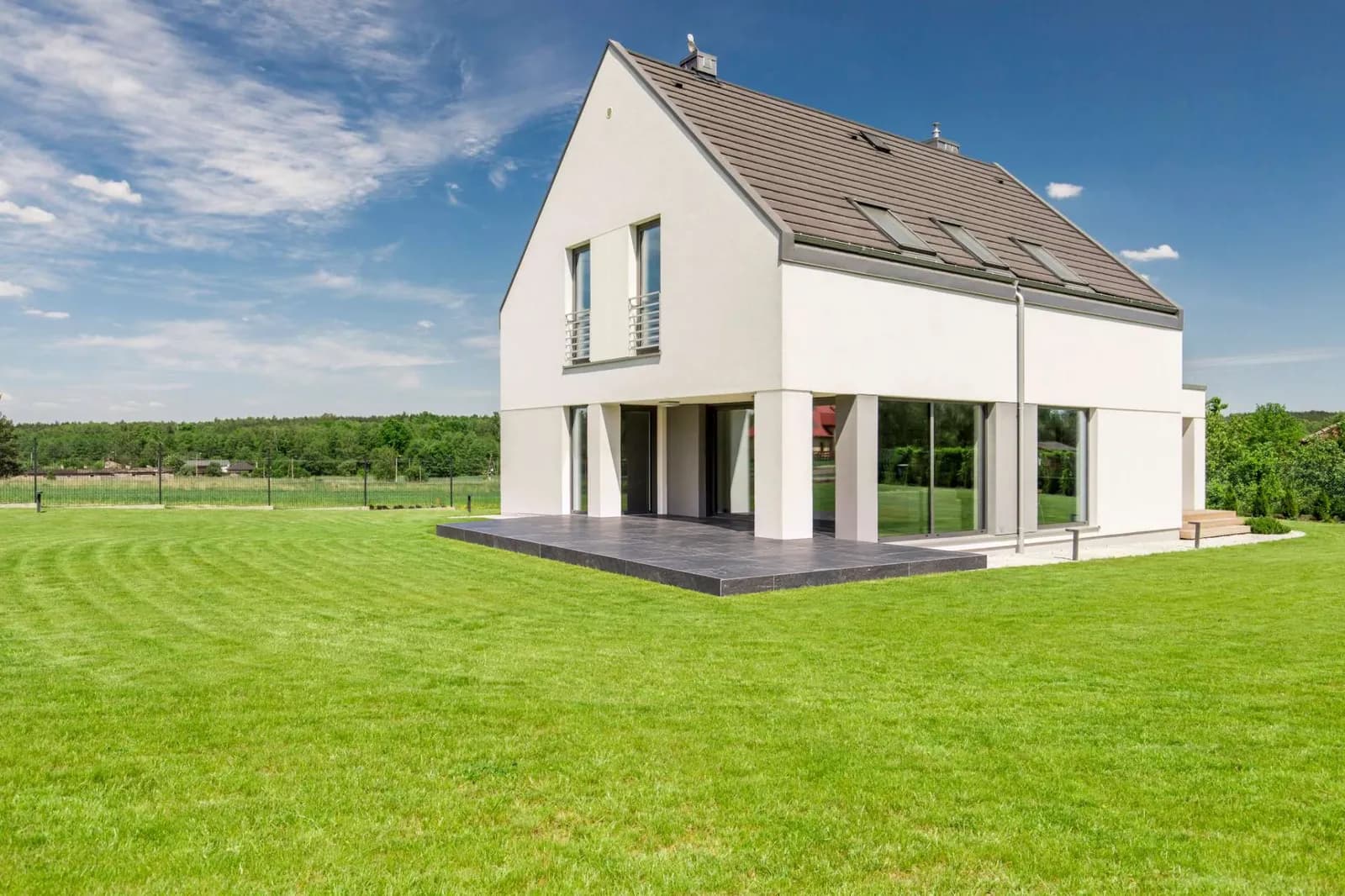
Change a spot: new paving, same terrace
The terrace should be natural stone instead of wood? Mark it, describe it, done. Shape and position stay.
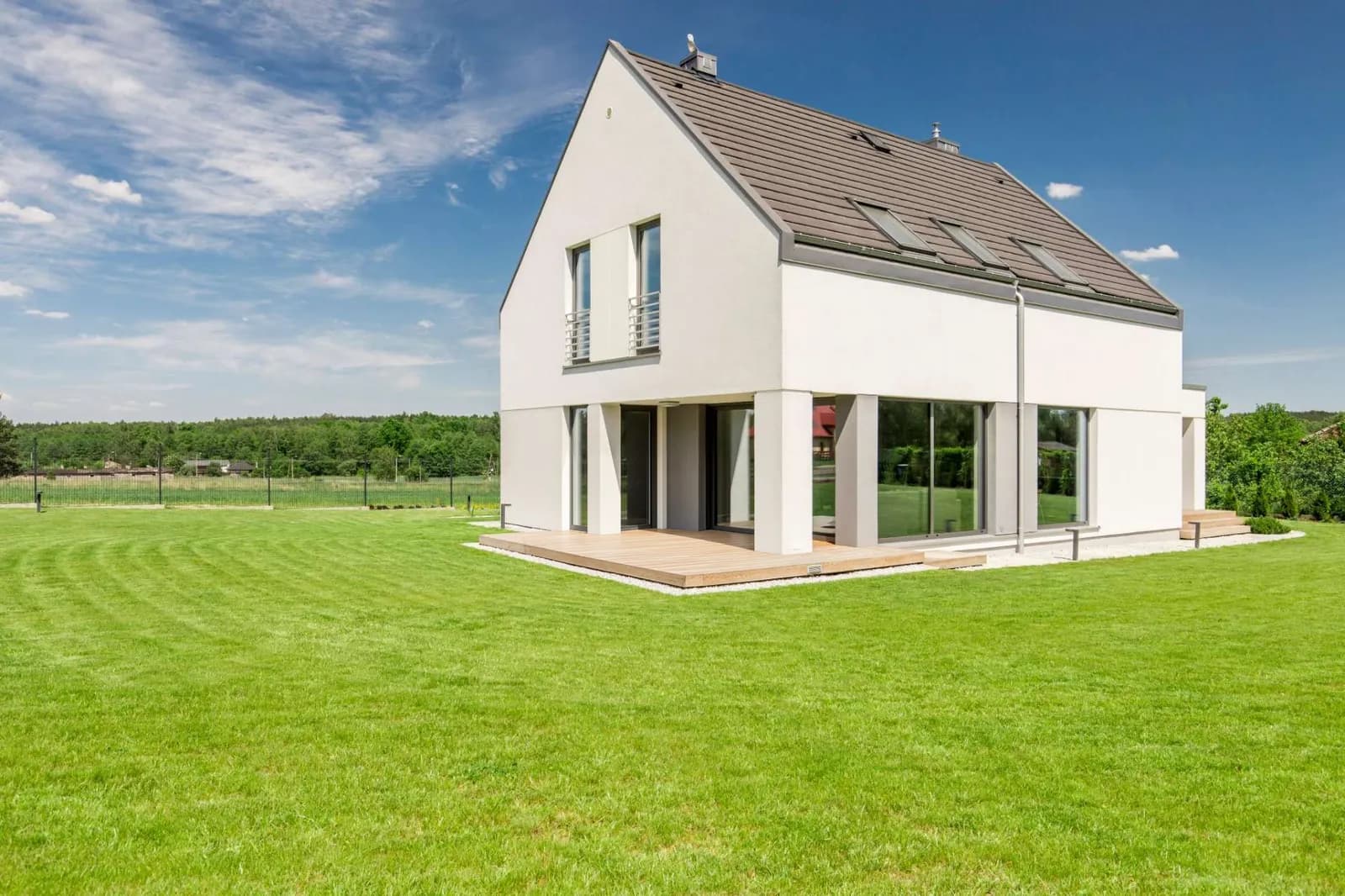
Remove: whatever is in the way goes
A bed, a planter, an old garden shed. auraVision fills the removed area to match its surroundings.
Walls and edging
Gabions, natural stone or exposed concrete, as a raised bed edge or property boundary.
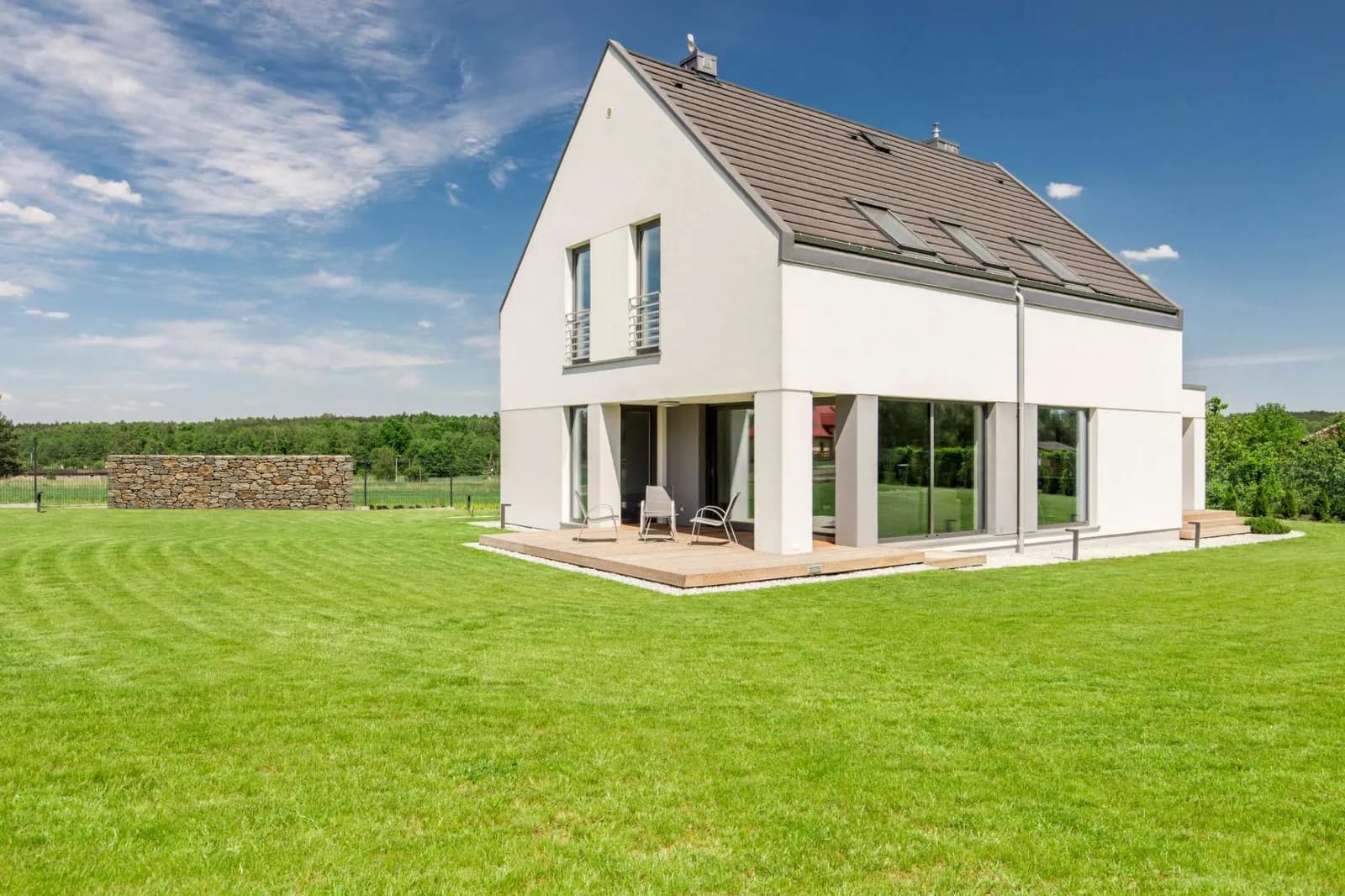
Every change is its own version
Nothing is overwritten. You switch between versions, rename them and use “Hold to see before” to see the original photo.
Presenting to your client
One tap and the design fills the screen. You swipe through the versions and switch between day, night and sketch. On an iPad in a client meeting it feels like a planning appointment, not an app.
in the Business plan
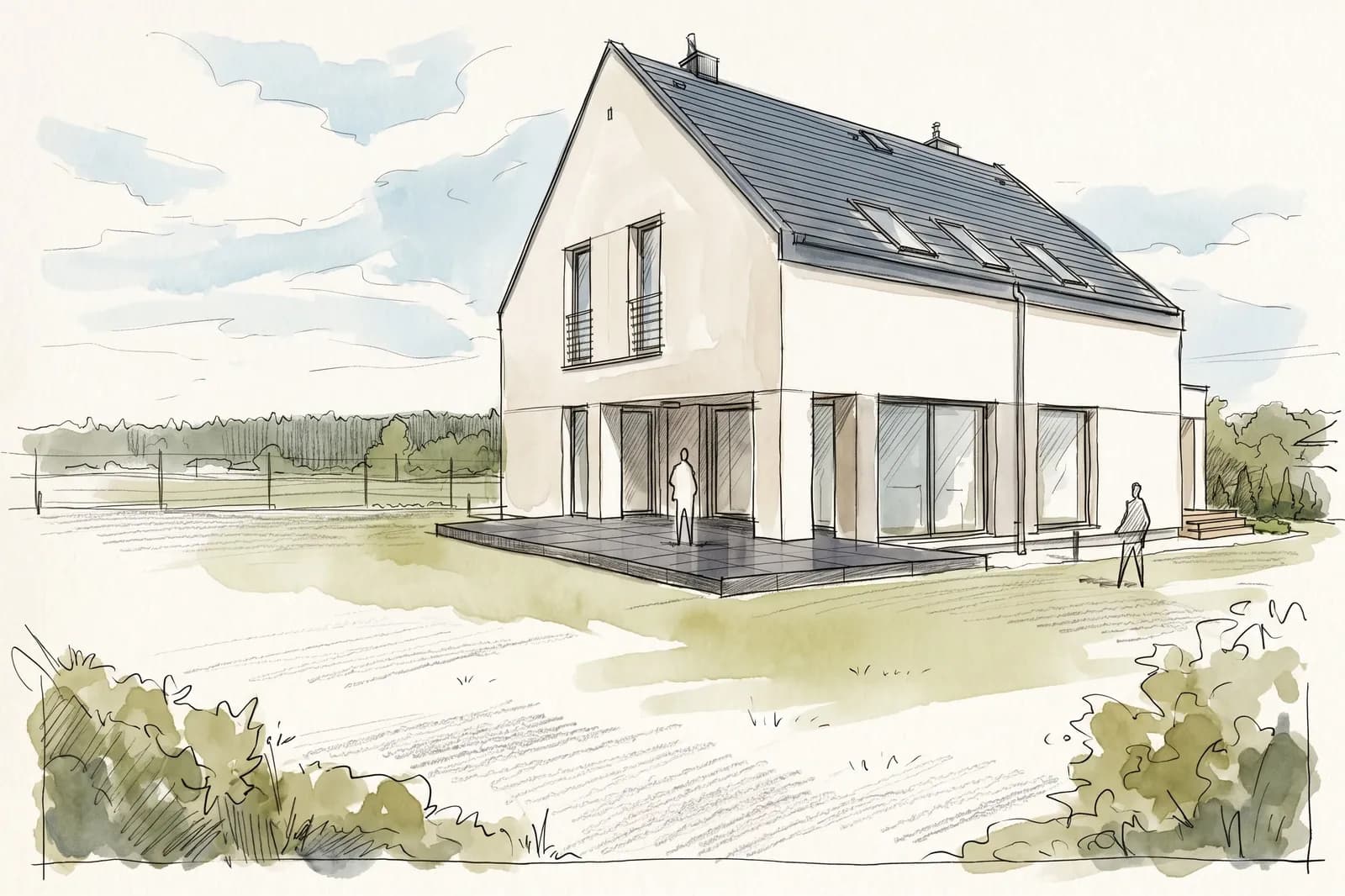
Concept sketch
Any version can become a hand drawing on request, aligned exactly with the photo.
What does the studio cost?
Five changes per garden are free. After that, four more cost 1 credit together. The studio is included in every plan.
Frequently asked questions about the studio.
What is auraVision Studio?
The part of auraVision where you keep working on a finished garden design. You mark a spot and change only that, instead of generating the whole design again.
Can I place a pool in my client’s photo?
Yes. You mark the area, choose size and shape or a manufacturer model, and the pool appears in that spot. Even without a previous design: with “Edit photo directly” you work in the unchanged client photo.
Does the rest of the image stay the same?
Only a section around your marking is edited. Outside of it, auraVision takes the image unchanged from the previous version. The exception is “Adjust whole image”, which creates the whole image again.
What does a change cost?
The first five per garden are free, after that four more cost 1 credit together. This applies to every plan.
What can the studio not do yet?
It does not implement exact dimensions from a plan, sizes are guidelines. Canopies and pergolas will follow later.
Your first design is free.
Upload a photo and see what your garden could become.