
FAQ
Frequently asked questions about AI garden visualization.
Everything you need to know about garden planning with AI.
General
What is an AI garden visualization?
An AI garden visualization uses artificial intelligence to create photorealistic renderings of your desired design based on a photo of your current garden. You upload a photo, describe what you want, and the AI generates professional visualizations featuring a pool, patio, planting, and more.
How does AI garden planning work?
You upload a photo of your garden, select desired elements such as a pool, patio, or planting, and our AI creates photorealistic visualizations from them. You receive the result automatically in day and night versions, from the same design.
How much does a garden visualization cost?
A garden costs 1 credit, and the first one is free. It includes the design by day and night and five changes in the studio. Subscriptions start at €49 per month for five gardens. Individually, you get three gardens for €39.
Do I need a subscription?
No. Three gardens cost €39 once, with no term and no expiry date. That is enough for a single project or for trying it out.
How long does an AI garden visualization take?
The result is there while you are still with the customer, not days later by email. What matters is not how long the rendering takes, but that you can compare variants during the conversation itself.
Do I need design skills for a garden visualization?
No, auraVision is designed for everyone. You simply describe your wishes in your own words or choose from predefined options such as a pool, patio, or planting. The AI handles the professional design.
Which garden styles can I visualize with auraVision?
auraVision offers five curated garden styles: modern, Mediterranean, natural, cottage and Asian. You pick a style with one click, and the AI transfers that style's typical materials, surfaces and planting onto your garden photo.
Do I have to plan my garden in detail myself?
No. auraVision offers three modes: AI design creates automatically, step by step guides you through the options, and pro briefing lets you control every element in detail.
For garden owners
Can I visualize my garden myself?
Yes, with auraVision you can visualize your garden yourself. Simply upload a photo, describe what you want, and receive professional visualizations without any prior knowledge. Perfect for trying out different ideas before you invest.
How can I see what my pool would look like in my garden beforehand?
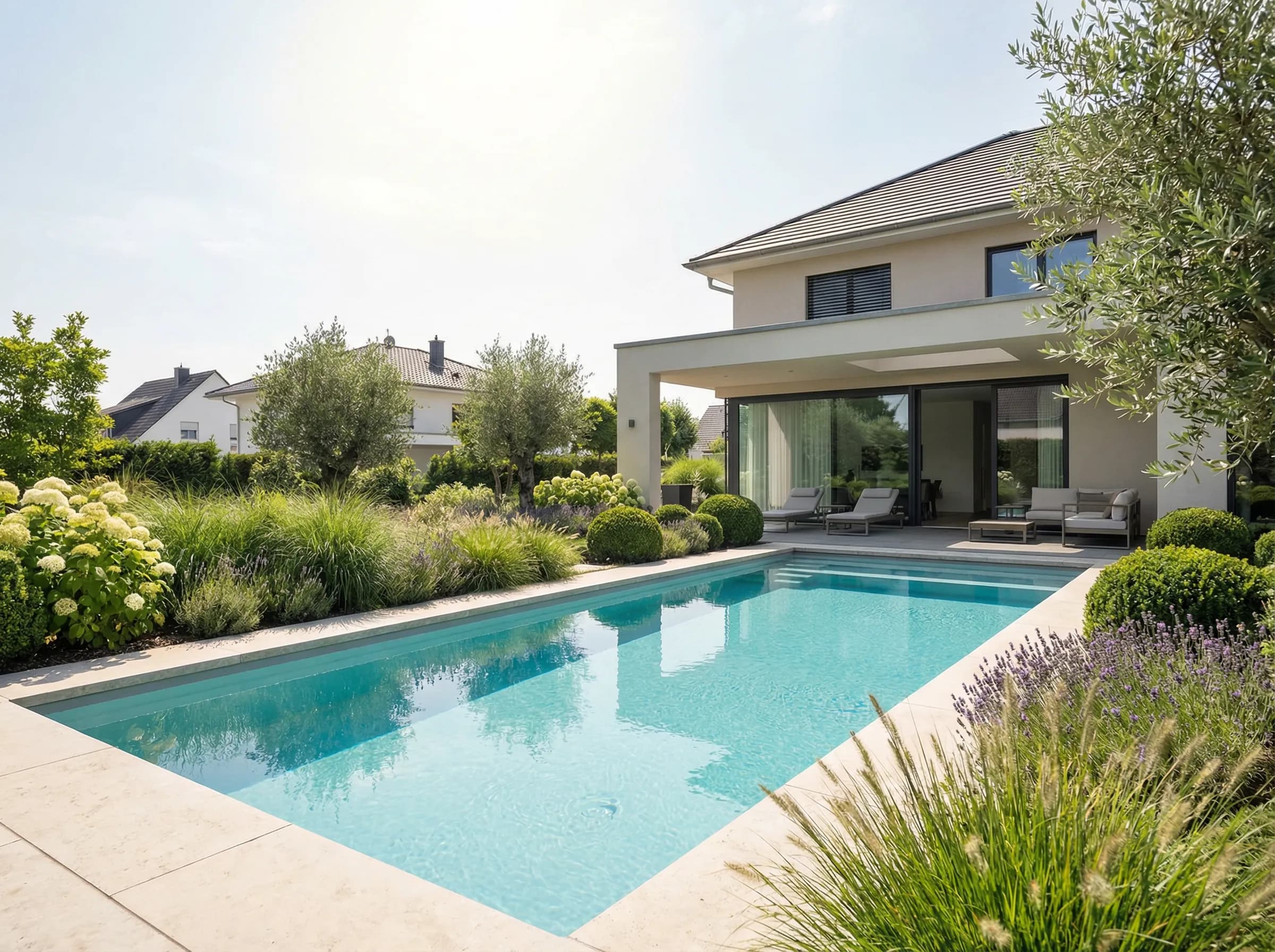
Upload a photo of your garden and select "Pool" as a feature. The AI shows you a photorealistic rendering of what a pool would look like in your garden, both during the day and at night with atmospheric lighting. Ideal for decision-making.
How do I visualize a new patio?
Select the "Patio & paths" category in auraVision. Describe the materials and style (e.g. modern ceramic tiles, natural Mediterranean stone), and the AI creates a realistic rendering of the new patio in your outdoor space.
Can I compare different garden variations?
Yes, you can create as many variations as you like, and they will all be saved in your project history. This lets you directly compare different designs and find the best option for your garden.
What is the difference between day and night visualizations?
The day visualization shows your garden in daylight. The night visualization shows the same design with atmospheric outdoor lighting: pool lighting, path lights, illuminated plants. This shows you how your garden looks in the evening.
Can I upload an inspiration image?
Yes! Starting with the Professional plan, you can upload an inspiration image in addition to your garden photo, for example from Pinterest, Houzz, or a magazine. The AI recognizes materials, colors, and design elements and transfers them to your garden. This way, your mood image becomes the template for your dream garden. Available on the Professional and Business plans.
Can I see my garden design as a video?
Yes! You can also experience your photorealistic garden visualization as a video. The Business plan includes one video per project. Choose between a camera pan through your garden, a drone flight from above and a transformation video, and watch your garden design come to life. You can add more videos starting at 0.5 credits. Videos are also available in all other plans starting at 0.5 credits.
Does auraVision take my location and climate into account?
As guidance, yes; in the design, not yet. If you tell us where your garden is, auraVision shows your region's climate zone, sunshine hours, frost risk, watering needs and pool suitability. These values do not feed into the visualization yet. auraVision stores no exact address.
For landscape construction and pool building pros
What software do landscape construction companies and pool builders use for visualizations?
Modern landscape construction companies and pool builders rely on AI-powered tools like auraVision. These enable photorealistic visualizations created during the meeting instead of afterwards at the desk, perfect for client meetings, quote creation, and on-site visits using a tablet.
How can I quickly show customers a garden visualization?
With auraVision, you create visualizations. During the on-site visit, you photograph the garden, upload the image, and show several variants side by side, directly on the tablet. Customers see their project before a single shovel hits the ground.
Is there garden visualization for on-site appointments?
Yes, auraVision works perfectly on tablets and smartphones. Create visualizations right at the customer's location and create instant impact with the WOW effect. No installation required, just open it in your browser.
How do I create professional quotes with visualization?
Use auraVision to create day and night visualizations, download the HD images, and attach them to your quote. Professional visualizations increase persuasiveness and help customers picture the final result.
Which AI tools are suitable for pool builders?
auraVision is specifically designed for pool builders: show customers photorealistic views of what their pool will look like with its surroundings, patio, and lighting, both day and night. The night version with pool lighting and path lights is particularly compelling in quote presentations.
What is auraQuote?
auraQuote is our AI module for quote creation in landscaping and pool construction. Your visualization becomes a structured quote draft, organized by trade and based on your own price lists. The AI suggests trades, line items and text, you decide on prices and quantities. Export as PDF, Word or GAEB.
How do I get from visualization to quote?
You visualize the garden in auraVision and then carry the project into auraQuote. There, based on your stored prices, a quote draft is created, organized by trade. You review prices and quantities, adjust as needed and export the finished quote as PDF, Word or GAEB.
Can I hand my customers a project dossier?
Yes. auraVision turns your project into a print-ready client dossier as an A3 PDF in the style of a planning office. The dossier contains the site survey and visualization, close-up views by day and night, a hand-drawn concept sketch, the plant list with botanical names and a title block with client name and address. You can add your own suppliers and products; the client dossier is included in the Business plan.
Can I choose where the pool or terrace is placed in the design?
Yes. In the Business plan, you mark the desired area directly in the photo, for example for a pool, terrace or planting bed. The design is guided by the marked area. This works most reliably along structural anchors such as a terrace edge or house wall. Marking is optional; without a marking, the AI chooses a suitable position within the overall design.
Technical
Is my data secure?
Yes. Everything you enter into auraVision, that is photos, briefings, project details, is processed exclusively via secure enterprise interfaces and is never used for AI training. Freely accessible AI tools often use inputs to improve their models: photos, text, everything. At auraVision, this is contractually excluded. Your customer data remains your customer data.
What photo format do I need for a garden visualization?
auraVision accepts all common image formats (JPG, PNG, HEIC). For best results, we recommend landscape-format photos taken in daylight with an unobstructed view of the area to be designed. Smartphone photos work great.
Does the garden visualization work on a tablet?
Yes, auraVision is fully responsive and works on all devices, desktop, tablet, and smartphone. Ideal for landscape construction pros and pool builders who want to enhance on-site consultations with visualizations created in real time.
Can I save visualizations and edit them later?
Yes, all your projects are saved automatically. You can return to previous versions at any time, make adjustments, or create new variations. The complete version history is preserved.
Your first design is free.
Upload a photo and see what your garden could become.